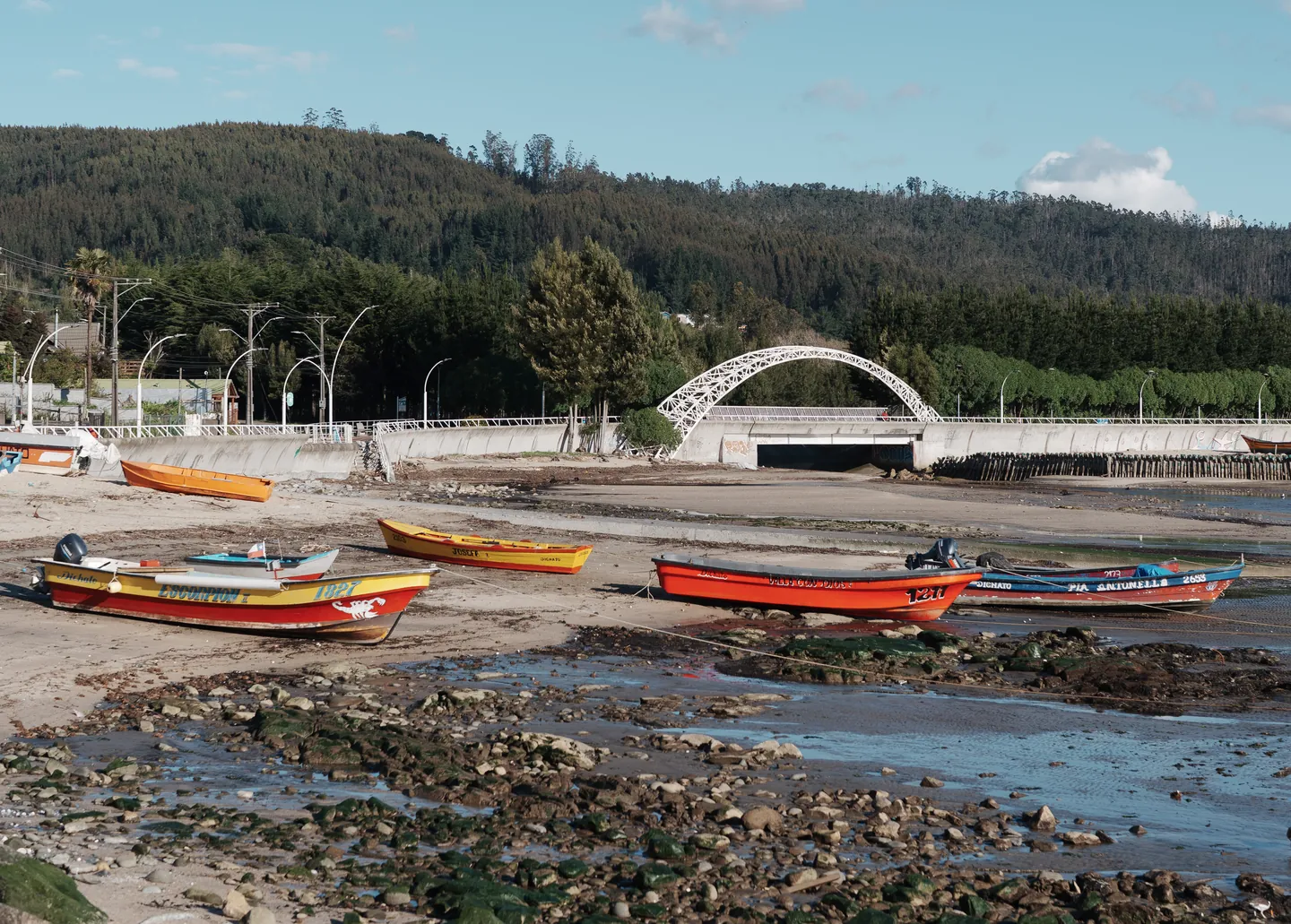
Sony a7 V IN (Instant) look, on your raw photos in Lightroom
The profile reproduces the camera’s IN look, with a color difference from Sony’s render below what the eye notices side by side.
Request the profile
Free closed beta · 50 spots


What the beta is
- 01One camera profile (.dcp) for Lightroom, Lightroom Classic and Camera Raw.
- 02For the Sony a7 V only.
- 03It’s a beta: it may change, and it will be replaced by the final version when Razor Color launches.
- 04Free. In exchange, we’ll write to you once to ask how it went.
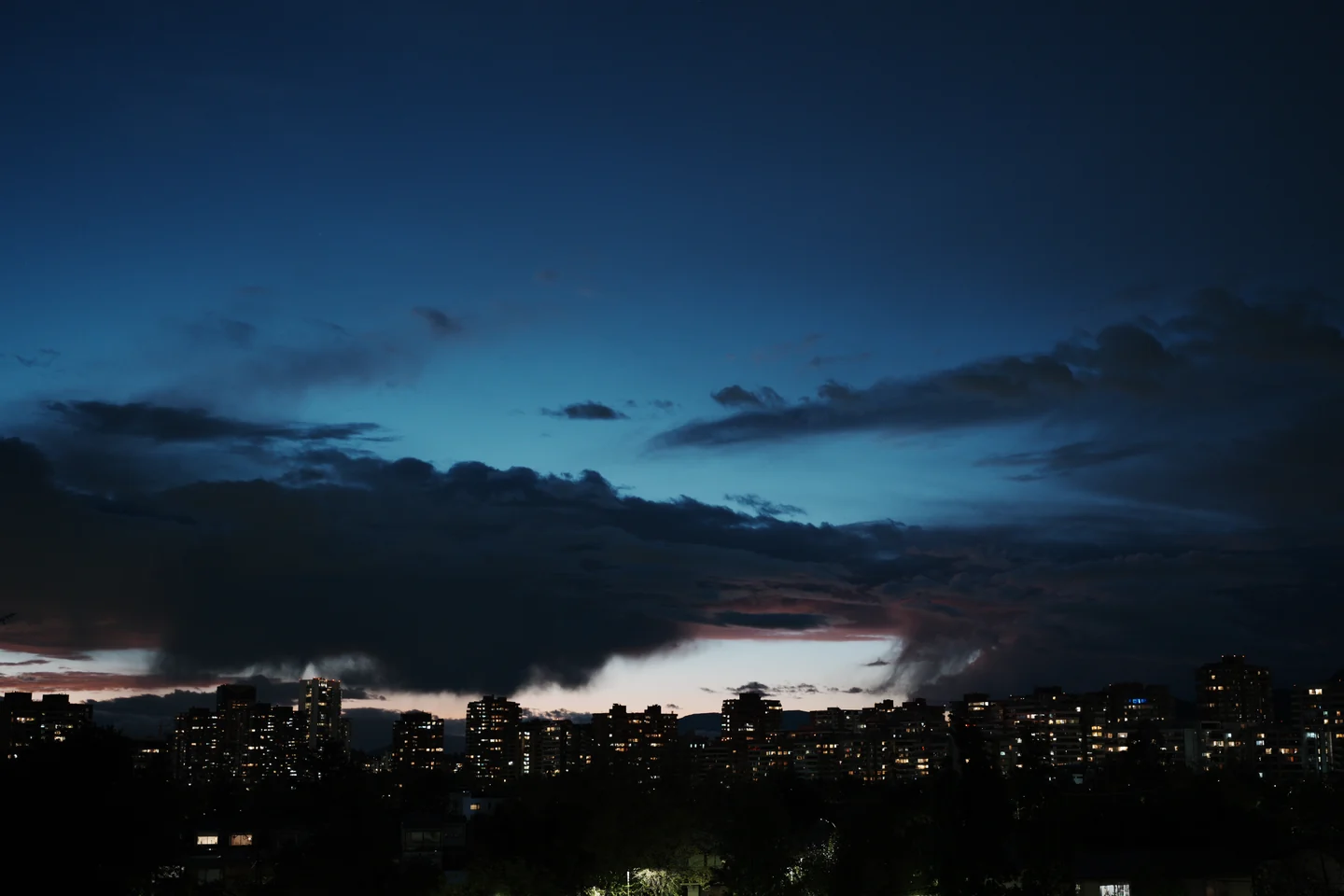
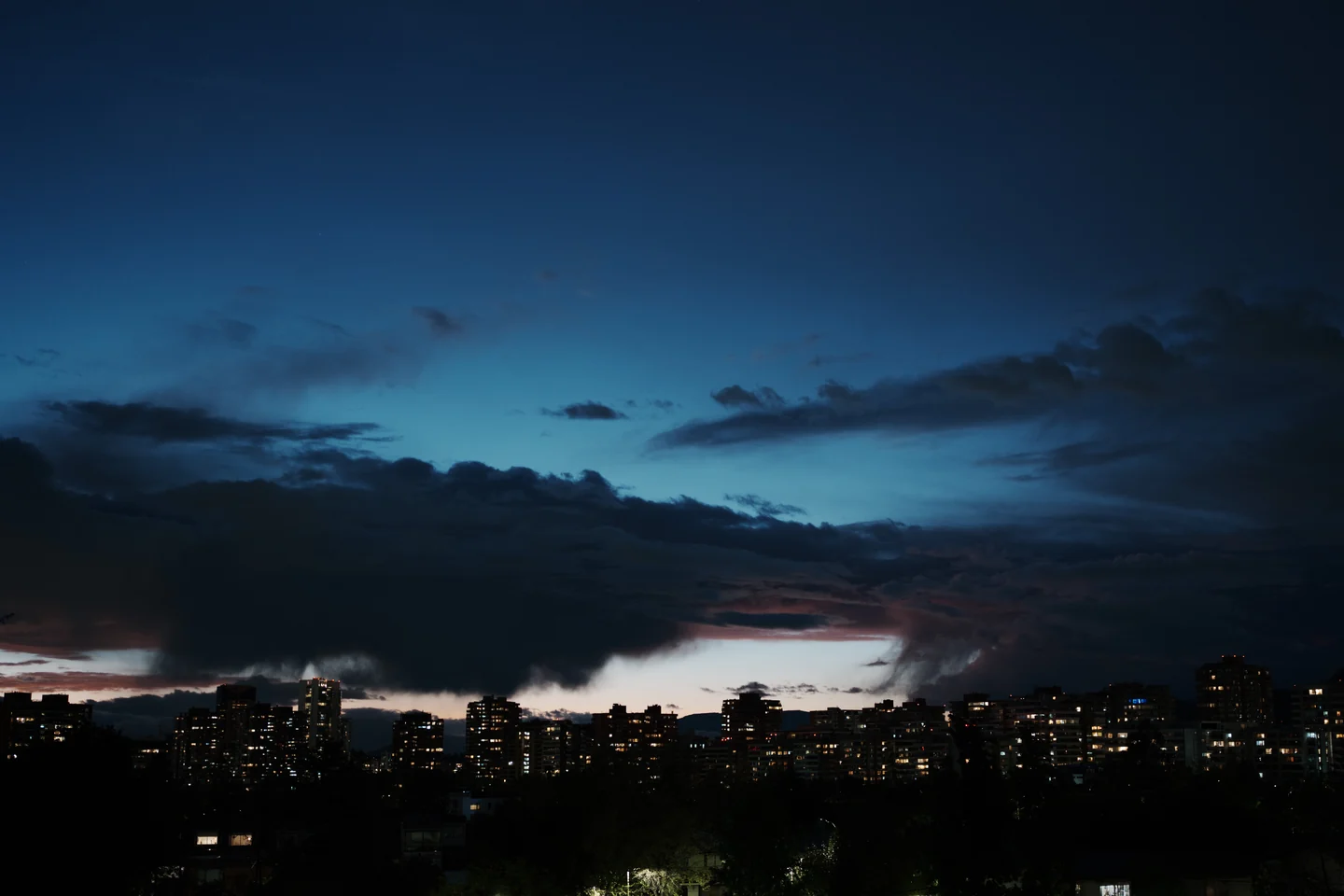
Before you compare with your JPEG
For the profile to match the camera’s JPEG, every camera setting has to be neutral or at zero.
In the camera
- Creative Look parameters: contrast, highlights, shadows, fade, saturation, sharpness, clarity
- 0
- Sharpness Range
- 1
- DRO / Auto HDR / Soft Skin Effect / Picture Profile
- Off
- White balance shift
- 0
In Lightroom
- All sliders
- 0
- White balance
- As Shot
Note: on the camera, IN comes with a particularly strong fade by default: lifted blacks and flattened highlights. Razor Color reproduces the look with its parameters at 0, so it doesn’t include that fade. If you want it, you can imitate it by raising the bottom end of the tone curve in Lightroom or Camera Raw.
The zeros are only for the side-by-side test. After that, the look is your starting point: push, pull and grade every slider as you like.